An Urgent Firebase Security Update in Flutter: Fix the Risk Without Breaking the App

By Youssef Salem HassanLead Software Engineer · LinkedIn
A practical workflow for Firebase security updates in Flutter: prove exposure, inspect lockfiles, test native paths, and stage a safe release.
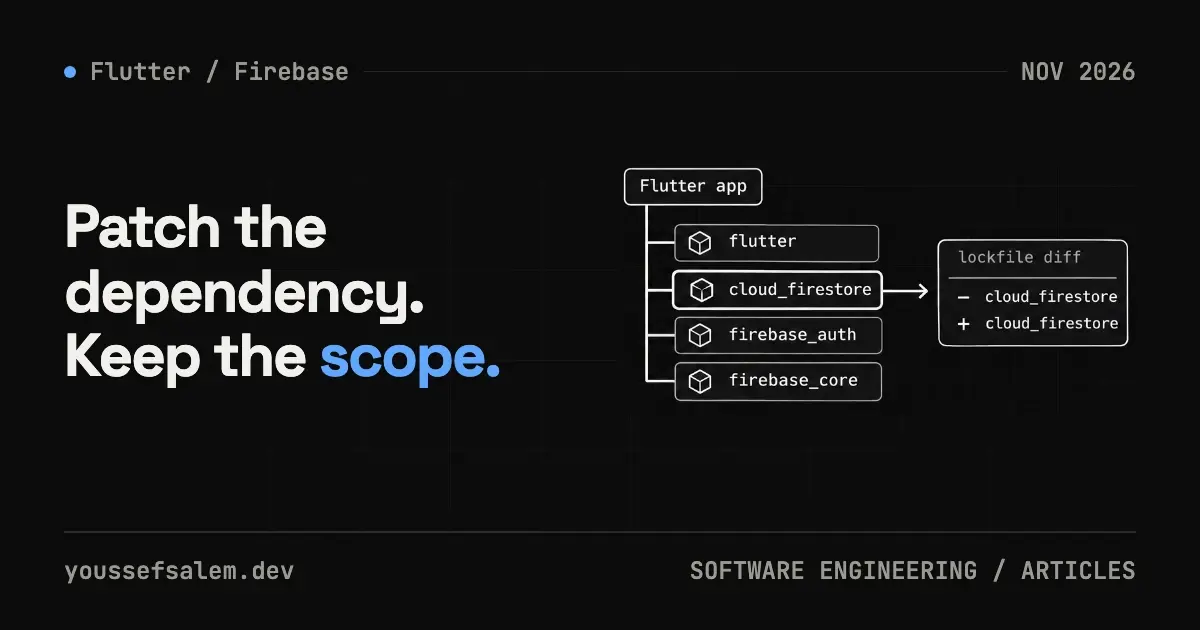
On October 22, 2026, Firebase released a Cloud Firestore security update for Apple platforms. Apple SDK versions 13.1.1 and 12.19.3 removed root certificates associated with compromised eMudhra intermediate certificate authorities from the embedded trust store. FlutterFire BoM 5.1.0 also appeared that day.
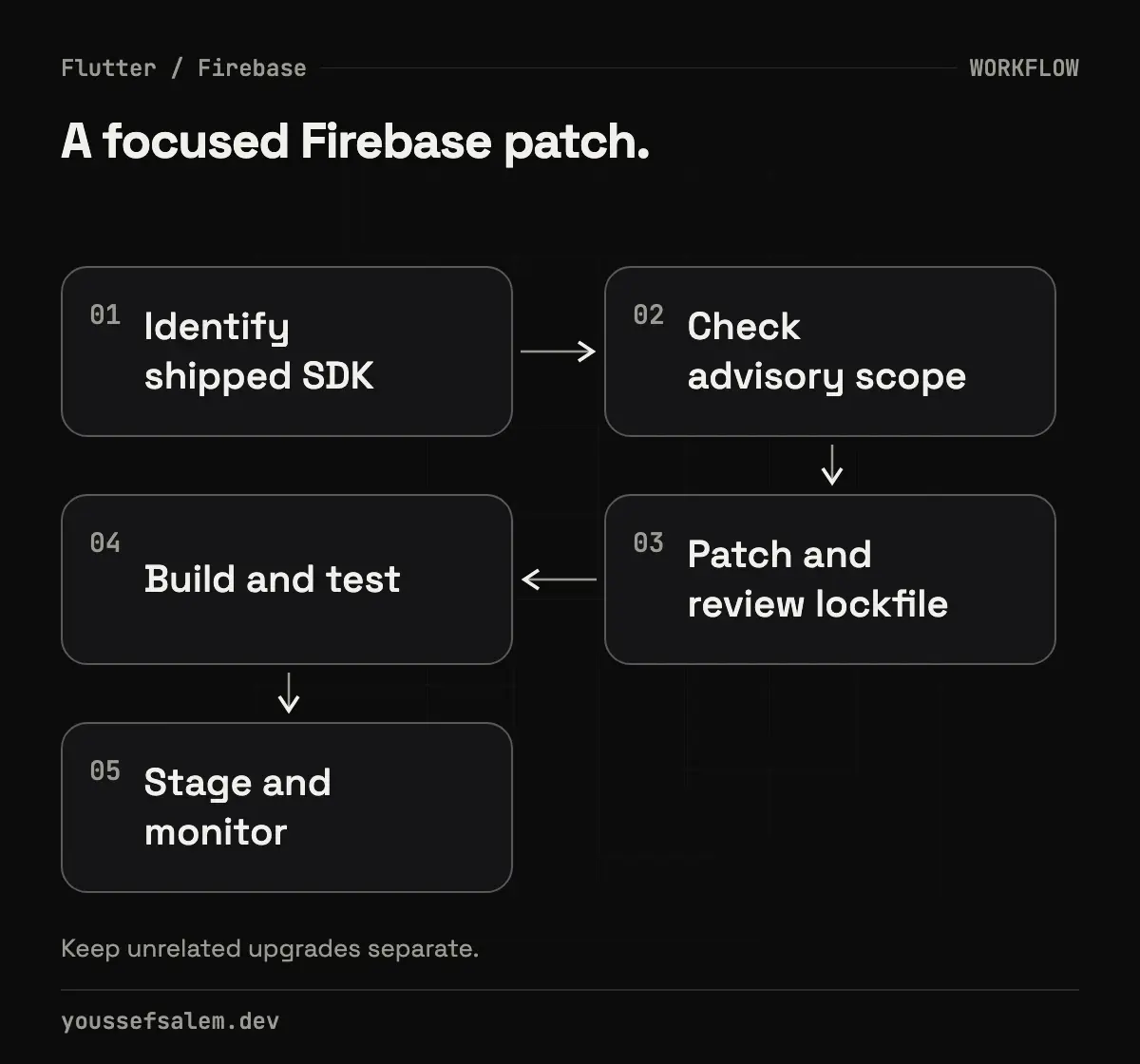
The practical response is neither “upgrade everything immediately” nor “wait for the next major release.” It is to establish exposure, apply the smallest supported fix, test the affected paths, and ship with controlled monitoring. This workflow applies beyond Firestore to authentication, payments, notifications, and analytics SDKs.
What happened—and what the notice does not prove
Firebase's official release notes say the Apple SDK update protects Cloud Firestore client connections against a compromised certificate authority. Firebase published a fix for version 13 and a parallel version 12 fix, including projects that use CocoaPods.
The note does not state that your app was compromised, and it does not demonstrate exploitation against your users. Avoid panic language. However, it is a direct vendor security notice involving connection trust, so it deserves higher priority than an ordinary UI or performance update.
First, prove whether the shipped app is affected
Finding cloud_firestore in pubspec.yaml is not enough. FlutterFire connects Dart code to different native SDKs on each platform, and several files determine what reaches the final binary.
Start with:
bashflutter pub deps | grep -E "firebase_core|cloud_firestore"
dart pub outdated
Then inspect:
- pubspec.lock for resolved FlutterFire versions;
- ios/Podfile.lock when using CocoaPods;
- Package.resolved when the iOS integration uses Swift Package Manager;
- CI configuration to confirm it consumes the same lockfile;
- the dependency state of the version actually in production, not only your local branch.
If the product does not build for iOS or macOS, this specific update does not directly affect that path. If it uses Firestore on Apple, keep it in scope until you can prove the corrected native version is in the shipped binary.
Do not delete the lockfile or upgrade the entire tree
A good security response minimizes unrelated variables. Dart recommends committing pubspec.lock for applications so direct and transitive versions remain reproducible. Deleting it and running a broad upgrade can alter dozens of packages and make a regression difficult to explain.
Create a focused branch and record the baseline:
bashgit switch -c security/firestore-apple-trust-update
flutter doctor -v
dart pub outdated
flutter pub deps > dependency-tree-before.txt
After reading the FlutterFire notes, update the smallest compatible set that resolves to the safe native SDK. Do not assume that changing only cloud_firestore is sufficient; firebase_core and other aligned packages might need to move together. Review diffs in pubspec.lock and the Apple package manager file rather than accepting them blindly.
Use deterministic dependency retrieval in CI:
bashdart pub get --enforce-lockfile
flutter analyze
flutter test
Dart documents that --enforce-lockfile fails when the exact locked versions and content hashes cannot be used. That helps prevent an untested dependency resolution from silently entering a production build.
Keep the security patch separate from architecture work
Do not turn an urgent fix into a cleanup project. Avoid refactoring BLoCs, moving data layers, or renaming models in the same pull request unless the patch requires it. The goal is a small change that is easy to review, explain, and revert.
With Clean Architecture, most of this change should remain in platform configuration or the implementation layer. Domain contracts and use cases should not know the Firestore SDK version. If Firebase details leak into UI and domain code, record that as technical debt for a separate change.
Build a risk-focused test matrix
Passing flutter test does not exercise native TLS trust or SDK startup on an Apple device. Use layered gates.
1. Static checks
Run formatting, analysis, and unit tests. Confirm the diff contains no secrets or unintended dependency changes.
2. A real Apple build
Create a release build or archive in macOS CI. Verify that the package manager selected the expected Firebase Apple version and that linking and signing succeed.
3. Firestore journeys
Exercise a staging build on a physical device or TestFlight:
- cold start and Firebase initialization;
- sign-in followed by a document read;
- permitted create, update, and delete operations;
- a real-time listener recovering after connectivity loss;
- pending local writes synchronizing later;
- a user without permission receiving a denial.
Do not confuse transport trust with Firestore authorization. The SDK update protects a client-connection layer; Security Rules still control who may read and write. Firebase recommends using the Local Emulator Suite for automated rules tests rather than relying only on manual checks.
4. Post-release monitoring
Watch Crashlytics, Firestore errors, authentication failures, and startup latency. Compare them with the previous release. A lack of crashes is useful operational evidence, but it does not prove that no security exposure existed.
Decide how to ship
| Situation | Recommended response |
|---|---|
| Apple app uses Firestore and resolves to an affected native SDK | Apply the focused update, run targeted tests, then stage the rollout |
| Android-only app | Record that this advisory is out of scope and review Android updates separately |
| Apple app does not use Firestore | Confirm it is not present transitively and document the decision |
| Exact shipped versions are unknown | Stop guessing; recover lockfiles and build metadata first |
Use public release notes such as “security and reliability improvements” without disclosing details that would make exploitation easier. Internally, retain the source, detection time, affected versions, owner, test evidence, fixed build, and rollback plan.
Where FlutterFire 5.1.0 fits
FlutterFire BoM 5.1.0 landing on the same date makes it a natural checkpoint, but not an instruction to upgrade every project without review. Read the package mapping and changelog, then verify the native artifacts selected in your own build. If an older supported line has an official patch, a focused update may be less risky than a broad migration.
That is an engineering inference based on minimizing change surface—not a guarantee that one version is correct for every project.
A reusable SDK-advisory checklist
- Record the official source and publication date.
- Map the announced component to the native dependency in the app.
- Identify affected platforms and production releases.
- Choose the smallest supported update and review lockfile changes.
- Test native builds, business paths, failures, and authorization.
- Roll out gradually with named indicators and a rollback path.
- Document the decision even when the result is “not affected.”
Final takeaway
Flutter application security does not stop at Dart code. A single plugin can introduce native SDKs, certificate stores, transport behavior, and a large transitive dependency tree. The safest response is traceability: know what you shipped, which platform is exposed, what the minimum fix changes, and how you proved the product still works.
If your Saudi product uses Flutter and Firebase and needs a dependency review or a safer update-and-release process, explore mobile app development services. Strong content can improve relevance, but it cannot guarantee indexing or rankings; technical SEO and Search Console measurement remain separate work.
Sources
- Firebase Apple SDK Release Notes, versions 13.1.1 and 12.19.3, October 22, 2026:
- Firebase SDK for Flutter Release Notes, Flutter BoM 5.1.0, October 22, 2026:
- Dart package management and --enforce-lockfile, updated August 12, 2026:
- Dart, dart pub outdated:
- Firebase, testing and deploying Firestore Security Rules:
More articles
- Flutter 3.47.8 Security Update: Why Updating the SDK Is Not EnoughUnderstand the Flutter 3.47.8 and Dart 3.13.7 TLS fix, affected platforms, and why Android, Windows, and Linux apps must be rebuilt and shipped again.
- Malicious Claude Code Extension in Cursor: How to Protect Your Development EnvironmentLearn what happened with Anthropic.claude-code 2.1.312 and 2.1.313 in Cursor’s marketplace, how to contain an affected host, and how to secure AI coding tools.
- Migrating Flutter tests from Firebase Test Lab before shutdown: a practical planA practical plan to move Flutter testing from Firebase Test Lab to Developer Device Platform before September 30, 2027, without disrupting CI.