How I made an app promo video with code using Remotion

By Youssef Salem HassanLead Software Engineer · LinkedIn
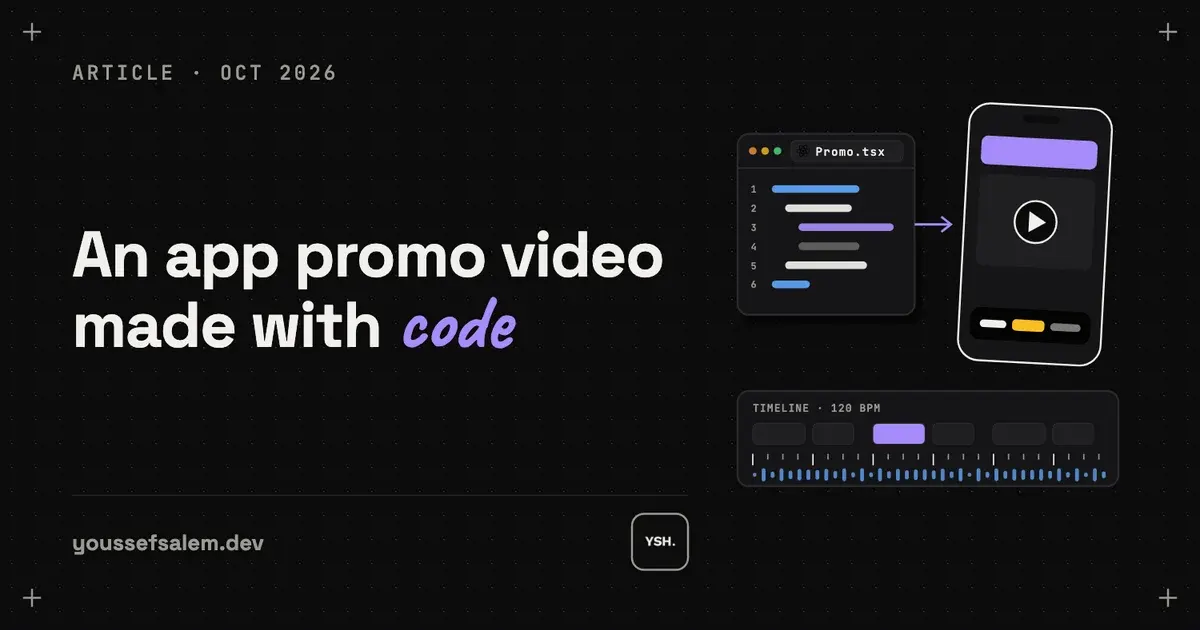
How I made the 68-second release video for the Tech 92 app with code instead of a video editor: real app screens from the iOS Simulator, animated UI in Remotion, an ElevenLabs voiceover timed word by word with Whisper, and one codebase that exports versions for LinkedIn and the App Store.
Can you make an app promo video with code?
Yes. Remotion is a React framework that renders components frame by frame into an MP4. The release video above has no editing timeline: every scene, camera move, transition and caption is TypeScript, and one command renders the file.
I made it for version 1.2.0 of Tech 92, Technology 92’s attendance and KPI app, which I build and maintain. I wanted three things a normal editor makes hard: the real app interface instead of mock-ups, full control over Arabic right-to-left text, and a setup I can reuse on every release.

The tools behind the video
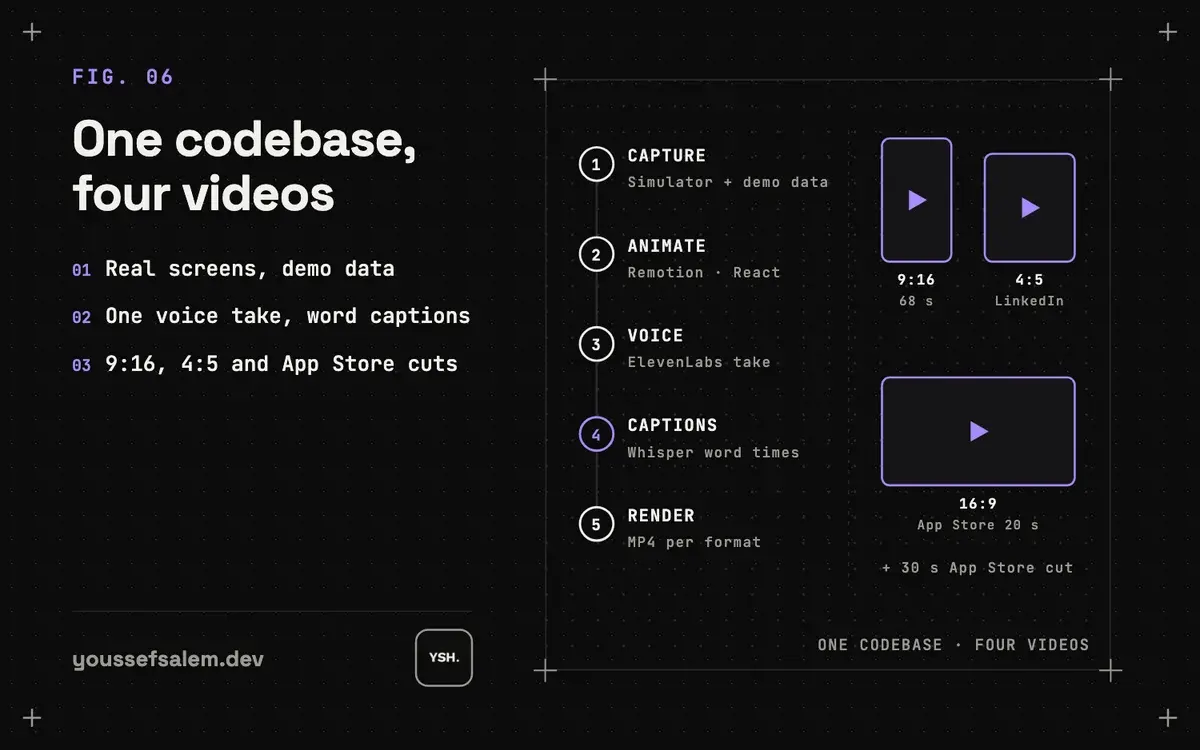
Each step uses one tool, and they all live in one workspace with a folder per video. The figure below shows the pipeline from the first recording to the four exported files.
| Step | Tool | Role |
|---|---|---|
| Animate and render | Remotion 4 | React to MP4 |
| Screen capture | iOS Simulator | Real app screens |
| Demo data | Flutter build flag | Fictional employee |
| Voiceover | ElevenLabs | Arabic male voice |
| Word timing | faster-whisper | Runs locally |
| Music | Python script | Built from scene beats |
| Coding agent | Claude Code | Wrote and fixed scenes |
How do you record real app screens without real data?
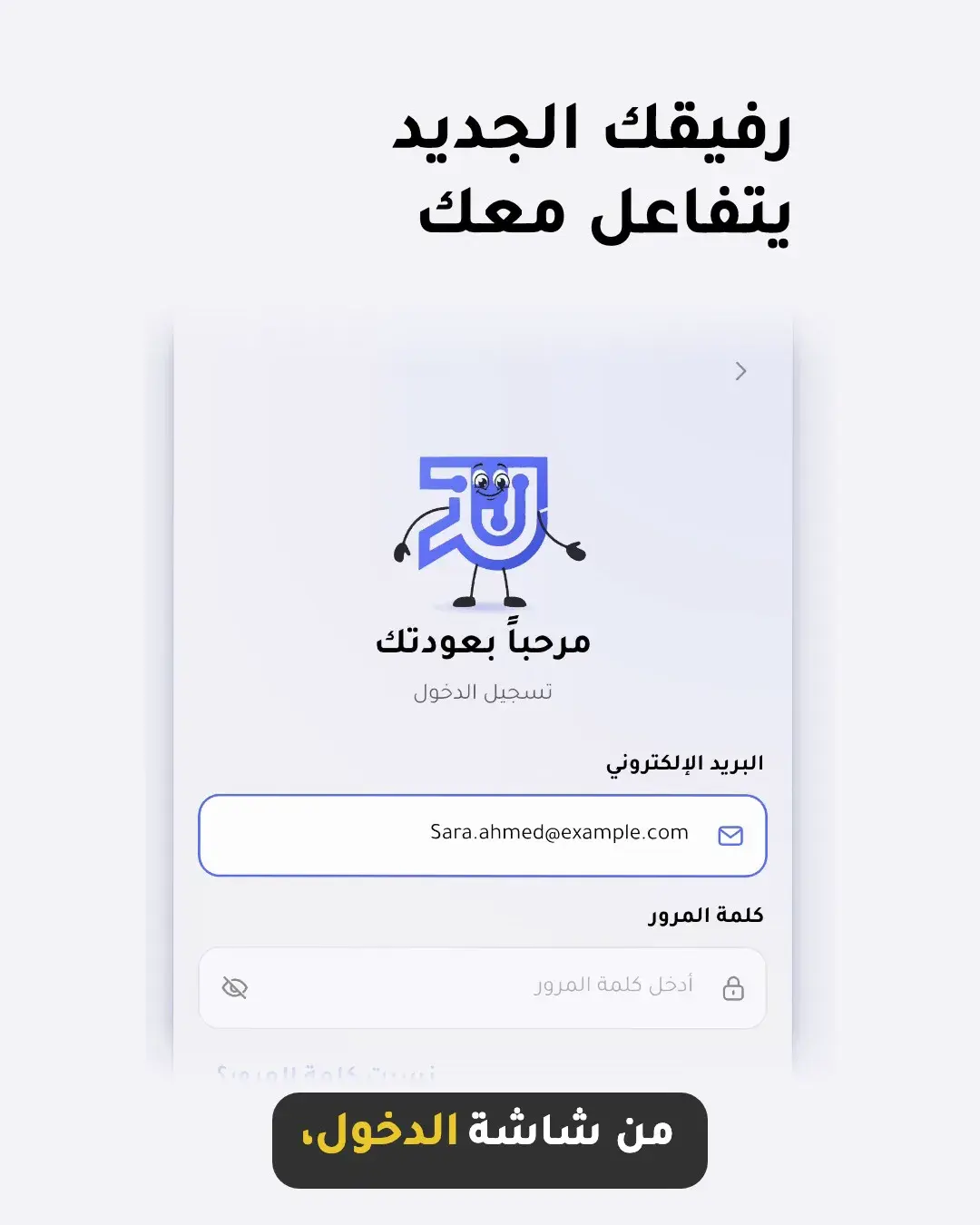
A promo video is public, so it cannot show real employees, hours or accounts. I built the Flutter app with a demo flag that adds an interceptor in front of the API client. It answers every request on the device with fictional data for an employee named Sara Ahmed, so nothing reaches the server: sign-in, check-in and assessments all work offline.
The demo build runs on a spare simulator, so the real signed-in one stays untouched. I record one long take per flow and let ffmpeg’s scene detection list the frame of every tap and transition. That frame list becomes the cut points in the code.
How do you animate real UI instead of static screenshots?
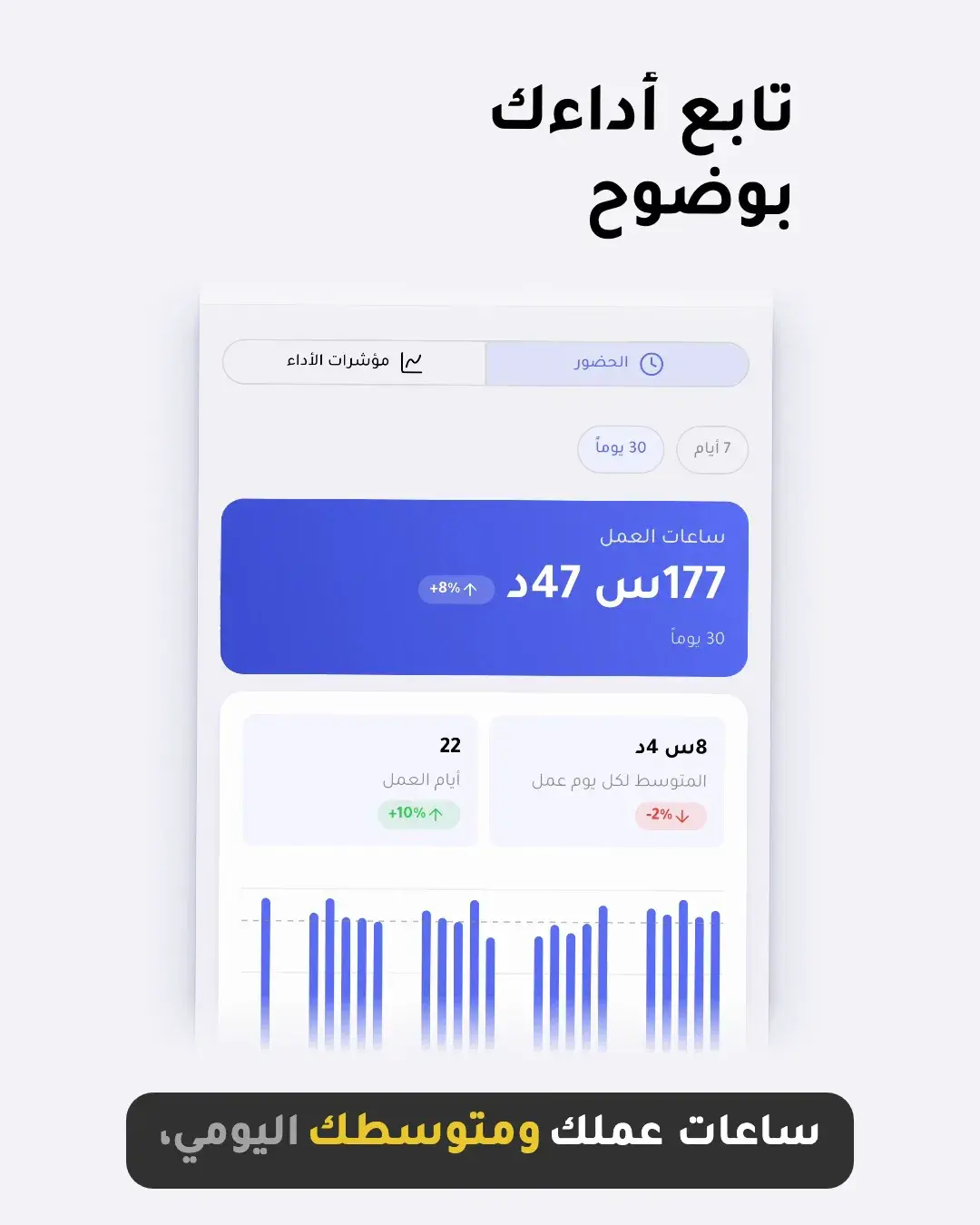
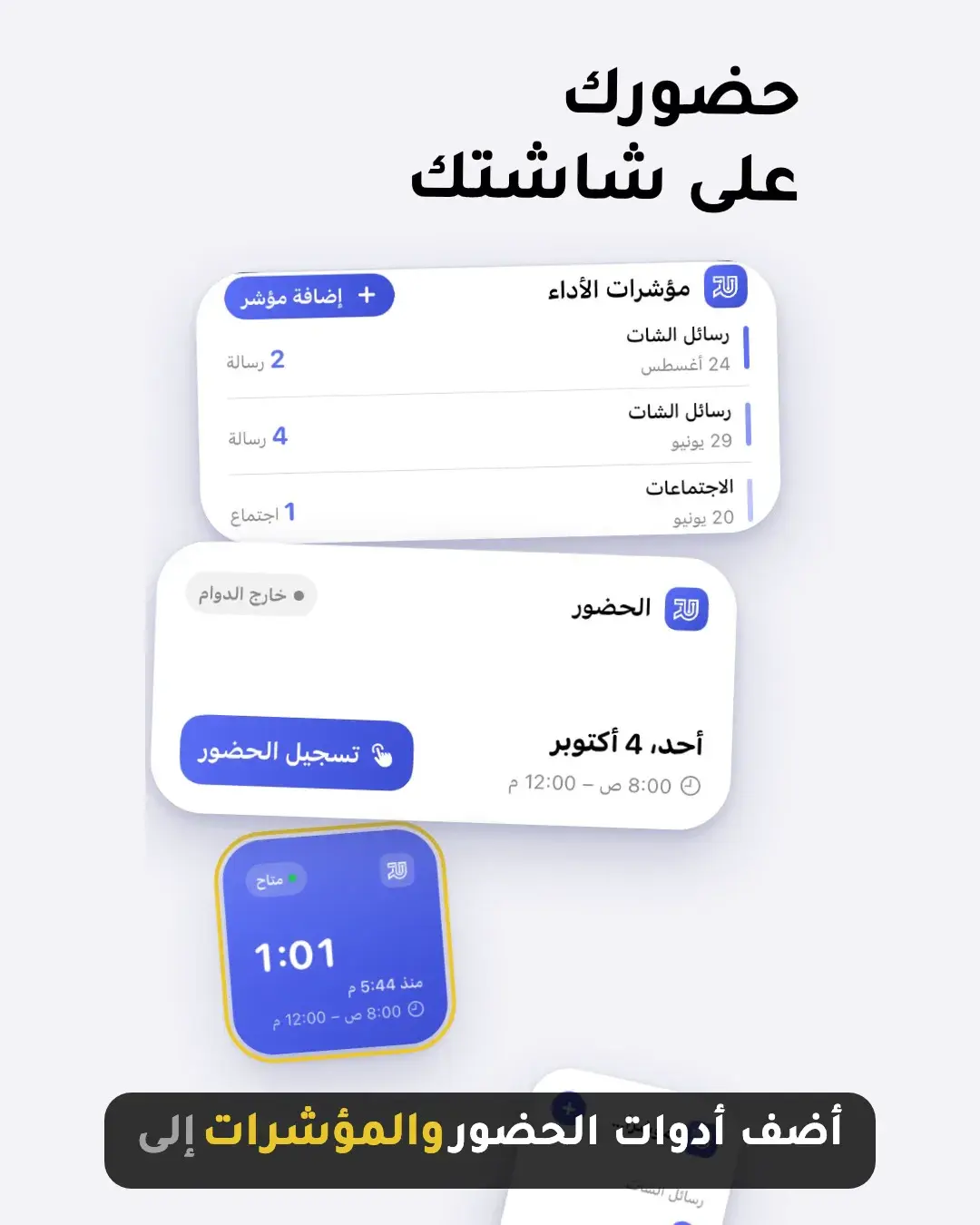
The first version of the video used still screenshots with fades, and it looked flat. The current one plays the real recordings inside a floating screen that the camera pushes into, then lifts real components out of it: the Today card or a KPI chart is cropped from a frame and flies out as its own layer with depth and a highlight ring.
Scenes cut on the beat of a 120 BPM track, and each cut is a short whip in alternating directions. Arabic needs its own rules: headlines anchor to the right, letter spacing stays at zero so letters keep joining, and line height stays at 1.4 so marks like the hamza and shadda are not clipped by the reveal mask.
How do you get an AI voiceover that doesn’t sound broken?
My first voiceover was eleven separate text-to-speech clips, one per scene. Each clip started with fresh intonation, and the music rose and dipped between them, so the narration sounded broken in the middle. The fix was one continuous take for the whole script.
I generated that take with the Abdulrahman voice on ElevenLabs’ Multilingual v2 model. The video then adapts to the voice: each scene starts on the beat just before its line, and the music drops to 30% once for the whole take instead of pumping between sentences.
How do you sync captions word by word?
LinkedIn plays videos muted, so the captions carry the message. A Whisper model running locally (faster-whisper, medium) transcribes the take with a timestamp for every word. A small script matches those words to the script in order: 112 of 121 words matched directly, and the rest get times split by their length between their matched neighbours.
The caption shows a phrase of up to five words, and only the word being spoken turns gold. Spoken numbers appear as digits, so “one point two” reads as 1.2. Every scene keeps the live interface above the caption band, so the text never covers a tap or a chart.
One codebase, every format
Because the video is code, a new format is a new composition that reuses the same scenes. The LinkedIn version scales the vertical video onto a 4:5 stage and redraws the captions at full size. The App Store event card is a new 20-second landscape layout with music only, because the store autoplays it muted and draws the event name over it.
App Store Connect refused the 68-second file for the event details page with only “Your file is in the wrong format.” A 29.5-second cut in standard-range colour (yuv420p) fixed it: Remotion’s default output is full range, which the store’s pipeline can reject.
| Output | Size | Length |
|---|---|---|
| Release video | 1080 × 1920 | 68 s |
| 1080 × 1350 | 68 s | |
| App Store event card | 1920 × 1080 | 20 s |
| App Store event details | 1080 × 1920 | 29.5 s |
What went wrong, so you can skip it
The free Microsoft voice behind edge-tts started returning 403 for every request, and ElevenLabs’ free API refuses Voice Library voices with a 402. Generating the take in the ElevenLabs web app and timing it locally with Whisper avoided both.
On the simulator, scripted taps sometimes arrived one action late, and the recorder writes nothing until it is stopped. A down-and-up touch path fixed the taps. The first frame doubles as the thumbnail, and the splash screen starts black, so the hook now starts mid-animation and holds the finished logo.
When should you make a promo video with code?
Code is worth it when the video repeats: one per release, several sizes, several languages, and real interface changing each time. For the next Tech 92 release I swap the recordings and the script and render again. For a one-off ad with live-action footage, a video editor is still faster.
Want a release video for your own app?
If you are shipping a Flutter app, the same pipeline turns your real screens into a release video in Arabic or English, sized for your store listing and social posts, and ready to render again on the next update.
Read the case study: Tech 92 — Workforce Attendance & KPI App →
More articles
- Remote AI coding agents for Flutter: a workflow you can reviewA reviewable workflow for following coding agents from your phone while keeping Flutter changes scoped, tested, and understandable: one observable outcome per task, clear architecture boundaries, test evidence, and a small diff.
- Receiving your app’s source code: a checklist for clientsWhen a developer hands over your app, make sure you get the code repository, the store and server accounts, the keys, a way to build the app yourself, and a short guide. Without these, you depend on one person to change your own app.
- Flutter or native: which is right for your app?For most business apps, Flutter is the better choice: one codebase for Android and iOS, lower cost, faster updates and solid Arabic support. Native still wins for a few cases, such as heavy 3D or AR, deep hardware access, or an existing native team.