Receiving your app’s source code: a checklist for clients

By Youssef Salem HassanLead Software Engineer · LinkedIn
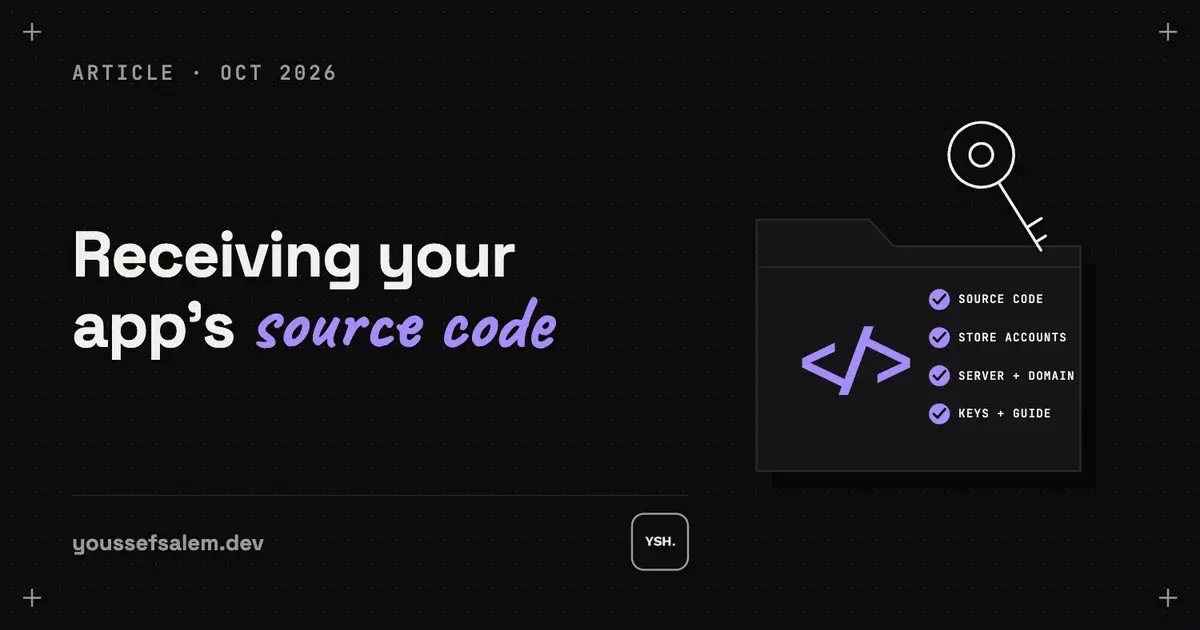
When a developer hands over your app, make sure you get the code repository, the store and server accounts, the keys, a way to build the app yourself, and a short guide. Without these, you depend on one person to change your own app.
Why the handover matters
You paid for the app, so you should be able to update it, move to another developer, or bring it in-house without asking anyone for permission. A clean handover makes that possible. Use this list before the final payment.
1. The code repository
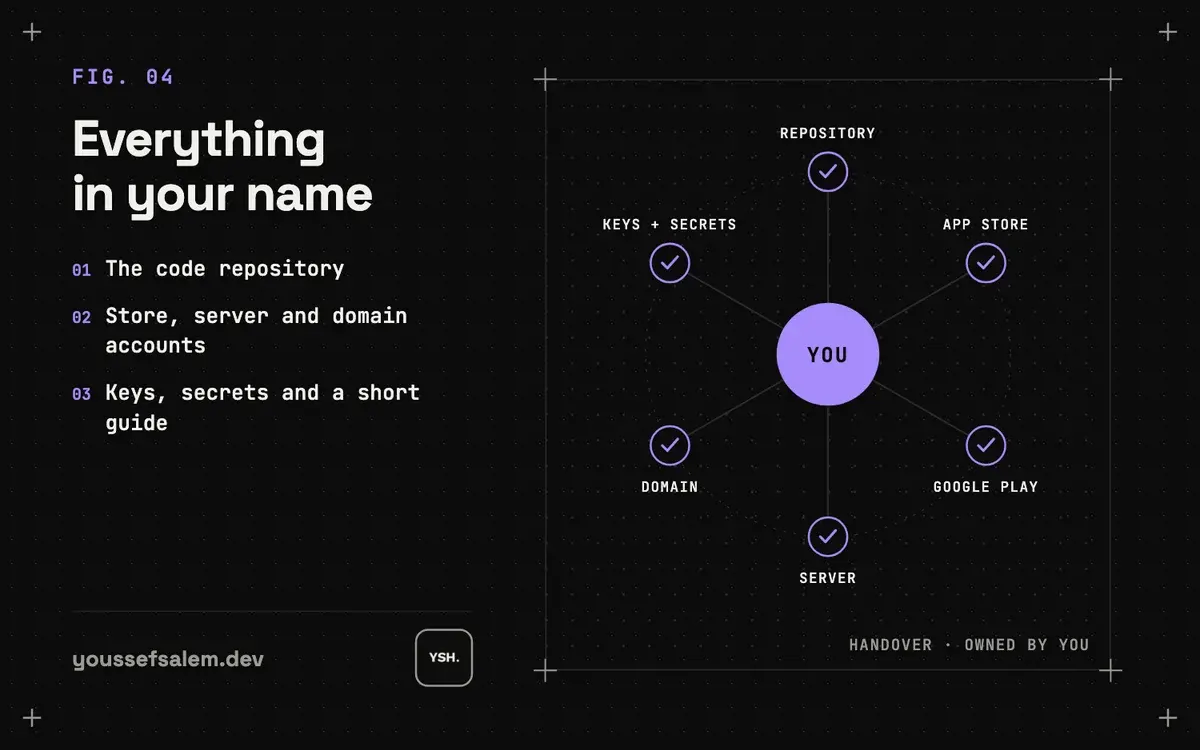
The full source of the app, the backend and the dashboard in a GitHub or GitLab account you own, with the history, not a zip file sent at the end.
2. Store, server and domain accounts
The Apple and Google developer accounts, the hosting or cloud account, the database, the domain and the email service should all be in your name, or transferred to it. The developer can keep access as a team member, not as the owner.
3. Keys and secrets
The app signing keys for Android, the Apple certificates, and the API keys for payments, maps and notifications, stored somewhere safe that you control. Losing the Android signing key can block future updates of the same app.
4. A way to build and release it yourself
Written steps, or an automated build, that turn the code into the store versions and deploy the backend. Ask another developer to follow them once; if they can, the handover works.
5. A short guide and the tests
One page on how the app is organised, where settings live and how to add a feature, plus the automated tests. Tests let the next developer change things without breaking what already works; the apps I build carry more than 2,300 of them.
What you get from me
Every project I build is in your accounts from the first day, and the handover includes all five points above. You own all the source code.
Read the case study: Tech 92 — Workforce Attendance & KPI App →
More articles
- How I made an app promo video with code using RemotionHow I made the 68-second release video for the Tech 92 app with code instead of a video editor: real app screens from the iOS Simulator, animated UI in Remotion, an ElevenLabs voiceover timed word by word with Whisper, and one codebase that exports versions for LinkedIn and the App Store.
- Remote AI coding agents for Flutter: a workflow you can reviewA reviewable workflow for following coding agents from your phone while keeping Flutter changes scoped, tested, and understandable: one observable outcome per task, clear architecture boundaries, test evidence, and a small diff.
- Flutter or native: which is right for your app?For most business apps, Flutter is the better choice: one codebase for Android and iOS, lower cost, faster updates and solid Arabic support. Native still wins for a few cases, such as heavy 3D or AR, deep hardware access, or an existing native team.